Whoever holds the file governs
kage clones a website into script-free static HTML with headless Chrome, then packs it into a ZIM archive or a self-contained offline viewer binary.
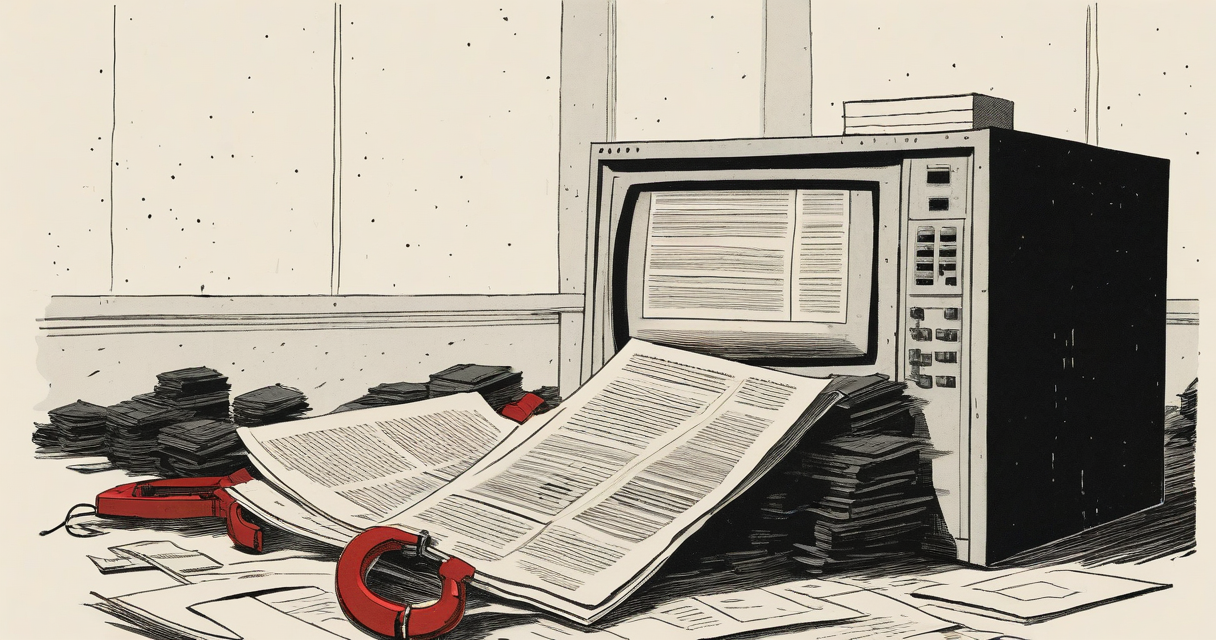
kage renders a page in real headless Chrome, waits for it to settle, snapshots the DOM a human would have seen, then deletes every script and pulls the CSS, images, and fonts down to local paths. What lands on disk looks like the live site and runs no code.
The ordering is the whole trick. Most “save this page” tools grab the HTML the server first sent and stop there, which on a modern site means a loader and a pile of JavaScript that has not run yet. Open that copy six months later and you get a spinner that never resolves, a blank screen, or a page still trying to reach an analytics host that no longer answers. kage lets the JavaScript finish first: build the DOM, fetch the content. Then it takes the snapshot and throws the scripts away. The output is static HTML you open straight off disk, with no network and no runtime.
Under the hood it runs two worker pools. One drives Chrome tabs to render pages; a separate pool fetches assets over plain HTTP. Every URL maps deterministically to a local path, so links are rewritten to their final location before the asset they point at has finished downloading. That determinism also makes the crawl idempotent: each page is keyed by the file it writes, so the same essay reached over http and https, with or without a trailing slash, is fetched exactly once. The crawl itself is a polite breadth-first walk that reads robots.txt, seeds from sitemap.xml, and stays on the seed host unless you pass --subdomains. Hit Ctrl-C and it saves its place; run it again and it resumes. --refresh re-renders in place to catch new pages, --force wipes the host and starts clean.
A mirror is a directory of many small files, which is good for reading and bad for moving. kage pack collapses it into one artifact, and you pick the shape.
ZIM is the first option: the open, compressed, indexed, read-only format behind Kiwix, the project people use to carry Wikipedia or Stack Overflow onto boats and into offline classrooms. kage stores text with zstd compression and media as-is, and because ZIM is a documented standard rather than a kage invention, the file opens today in kage, in kiwix-serve, or in the Kiwix desktop and mobile apps, and it will still open years from now. One limitation worth knowing before you rely on it: kage writes a structurally valid archive with standard metadata but does not build the full-text search index that Kiwix’s own packs ship, so clicking around works everywhere while in-reader search is limited.
The second shape is a single executable that is the site. --format binary glues the archive onto a copy of kage and hands you a program that serves the mirror offline when run. Whoever you send it to needs nothing installed, not kage and not a ZIM reader. The appended archive is platform-independent, so you can point --base at a kage built for another OS and produce a Windows viewer from a Mac. The cost is size, because the binary carries a whole kage and weighs about 13 MiB plus the site regardless of how small the mirror is. When you only want the content, the ZIM is far leaner.
Packing is deterministic. The same mirror always produces a byte-identical file, with the archive UUID derived from the content instead of randomized, so you can checksum and cache a pack and compare two of them meaningfully.
This is where the title earns itself. A page you “saved” the ordinary way still belongs to whoever runs its servers: it phones home, breaks on the next redesign, and dies when an endpoint is retired. A kage mirror has none of those hooks. It makes no network calls, runs no third-party code, and depends on no origin that has to stay alive. The file is the authority. Whoever holds it can read it, serve it, and pass it on long after the source site is gone.
A few practical notes for putting this to work. Scope a large site with --max-pages, --max-depth, and --scope-prefix rather than crawling the whole thing, and add --scroll to trip lazy-loaded images. If you do not want Chrome on the host, the GHCR container image bundles Chromium and needs nothing else. And for anyone vetting the tool before trusting its binaries: a version tag triggers GoReleaser, which publishes archives, distro packages, a multi-arch image, checksums, SBOMs, and a cosign signature, so the release artifacts are signed and carry a bill of materials you can check against.
Keep Reading
 Windows
Microsoft's November update broke SLMGR activation, fixed Friday
Microsoft shipped out-of-band updates on Friday to fix Windows activation failures its November 2026 security updates caused for SLMGR users.
 supply-chain-attack
On 16 November, Optimizely served malicious JavaScript to 178 sites
On 16 November 2026, attackers injected malware into 178 brands' sites through Optimizely Web, swapping crypto addresses, skimming cards and hitting iOS.
 openjdk
Sixty-four A's and an equals sign break OpenJDK's Base64
Java4Shell (CVE-2026-114938) is a heap overflow in OpenJDK's Base64 decoder that Calif turned into pre-auth RCE across widely deployed Java apps.
Latest on the Wire
Full wire →- AI Coding Agents Boost Output But Code Review Bottlenecks IncreaseHacker News
- AI Overviews Cut Organic Traffic by 40%Hacker News
- Apache Patches Critical Roller RCE VulnerabilityBleepingComputer
- Complete Web Browser Built from Scratch in PythonHacker News
New signal daily · RSS
Stay in the loop
New writing delivered when it's ready. No schedule, no spam.