The 2021 bucket that sat open for nine years
Abandoned files, forgotten buckets, and stale subdomains are the cheapest way attackers get in. Here is how to find yours before they do.
The File Nobody Deleted
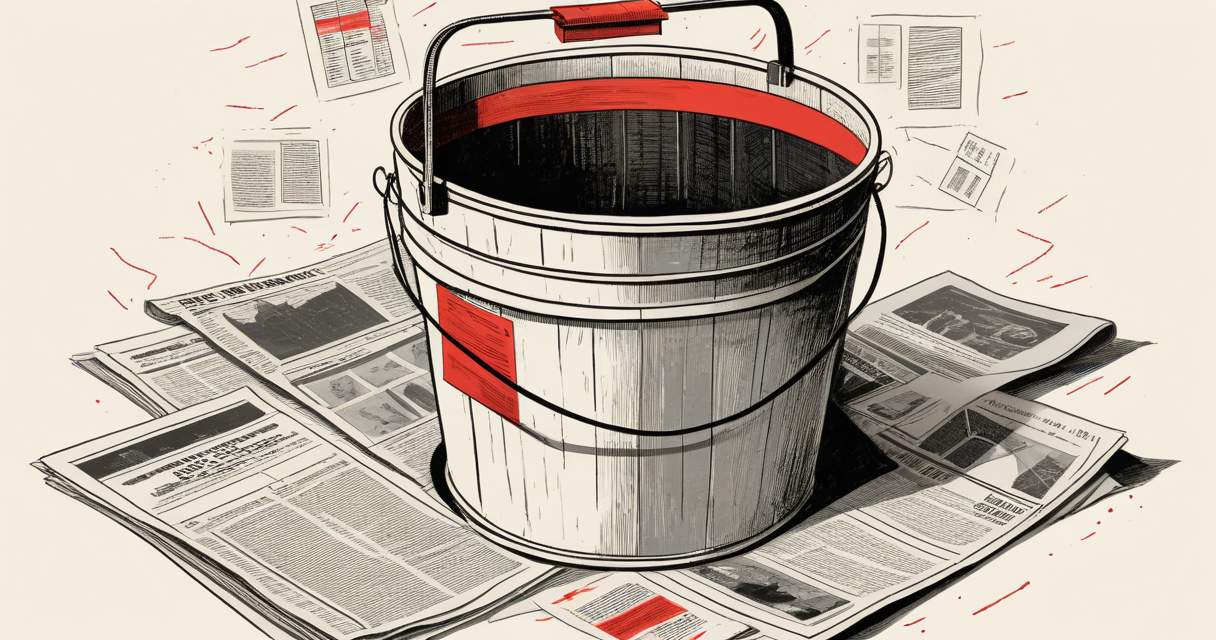
In 2021, a security researcher found an Amazon S3 bucket belonging to a defunct marketing subsidiary of a Fortune 500 company. The parent company had acquired the subsidiary in 2014, shut it down in 2017, and forgot the bucket existed. Inside were 4.2 million customer records, including hashed passwords from 2012 - the kind of hashes that crack in minutes on a modern GPU. The bucket had been publicly readable for nine years. Nobody had downloaded it during a breach. Nobody had to. It was sitting on the open internet with a URL anyone could guess.
This is the pattern. The dangerous files in most organizations aren’t the ones being actively defended. They’re the ones nobody remembers existing.
Why Forgotten Files Are Worse Than Active Ones
An active file has an owner. Someone notices when it changes, someone gets paged when access logs spike, someone rotates the credentials inside it. A forgotten file has none of that. It has the security posture of whatever year it was last touched, frozen in amber, sitting on infrastructure that was never decommissioned because nobody had the authority to decommission it.
The attacker’s advantage here is asymmetric. Defenders have to track every asset the organization has ever created. Attackers only have to find one that was abandoned with something useful inside.
The canonical examples:
- An old SharePoint site from a 2015 acquisition, still indexed by Bing, containing a spreadsheet with VPN credentials.
- A staging server at
dev-old.company.comthat was supposed to be torn down after a 2019 migration. It still authenticates against production LDAP. - A public GitHub repo from a former employee’s personal account, containing a fork of an internal tool with the API keys still in
config.example.json. - A
/backup/directory on a Magento site running PHP 5.6, withdatabase.sql.gzaccessible to anyone who guesses the path.
None of these require zero-days. They require a directory listing, a Google dork, or wayback_machine_downloader.
How These Files Stay Reachable
Files don’t actually disappear from the internet when you stop linking to them. Three mechanisms keep them alive:
Search engine caches and the Wayback Machine. When someone asks “does anyone know if this file is still accessible to download,” the answer is usually yes, because Google indexed it, the Internet Archive crawled it, or both. The Wayback Machine has snapshots of roughly 900 billion URLs. If your sensitive PDF was linked anywhere public for even a week in 2016, it’s preserved. You cannot ask the Archive to remove it without proving ownership, and you cannot remove it from third-party scrapers at all.
Predictable URLs. A file at /uploads/2018/invoice_4421.pdf is reachable to anyone who can guess that pattern. Tools like gobuster, feroxbuster, and dirsearch enumerate these in seconds. “Security through obscurity” works only if the obscurity is mathematically strong - a 128-bit token, not a sequential ID.
Cloud storage misconfigurations. S3, GCS, and Azure Blob containers default to private now, but billions of objects were created back when defaults were looser. The bucket from the example above was created in 2012, when public-read was a checkbox you ticked without thinking. Nobody re-audits 2012 buckets.
The Adversary’s Workflow
To understand the risk, watch how this actually gets exploited. The workflow is boring and effective:
- Reconnaissance using
amass,subfinder, andcrt.shto enumerate every subdomain the target has ever registered, including ones that haven’t resolved in years. - Probing each subdomain with
httpxto find what’s still alive. Roughly 20 percent of “abandoned” subdomains in a typical enterprise still respond. - Pulling Wayback Machine history with
waybackurlsto find every path that ever existed under those subdomains. - Filtering for interesting extensions:
.sql,.bak,.env,.zip,.pdf,.xlsx. - Curling each one to see what’s still served.
A competent attacker working alone can do this against a mid-sized company in a weekend. There is no exploit. There is only patience and a list.
What “Hard To Find” Actually Means
Defenders often assume that a file is safe because it’s hard to find. This is the assumption that breaks. “Hard to find” means one of three things, and only one of them is actually a control:
- No external link. Weak. Wayback, search engines, and former employees still know about it.
- Long random URL. Reasonable, if the URL is genuinely high-entropy (32+ random characters) and never logged in plaintext anywhere - referrer headers, server logs, analytics pixels, browser history.
- Authentication required. Strong, assuming the authentication isn’t a 2014 session cookie that never expired.
If you cannot describe which of these three a sensitive file relies on, it relies on none of them. It’s just sitting there.
The Acquisition Problem
The single largest source of abandoned-file risk in large organizations is mergers and acquisitions. When Company A buys Company B, Company A inherits every domain, bucket, file share, GitHub org, and forgotten subsidiary Company B ever had. The integration team consolidates the obvious things - email, payroll, identity. They almost never consolidate the long tail of digital assets.
Five years later, Company A gets breached through a server that’s technically theirs but was last administered by someone who left Company B in 2018. The IR firm bills $400 an hour for two months trying to figure out who owns the IP range.
If you’re doing M&A, the due-diligence question that matters more than financials: “Give me a complete inventory of every domain you’ve ever registered, every cloud account you’ve ever opened, and every code repo your employees have ever pushed to.” Most targets cannot produce this. That itself is the finding.
A Practical Audit You Can Run This Week
For a small or mid-sized organization, this is achievable in a few days of work and finds most of the exposure:
- Run
amass enum -d yourcompany.com -activeand review every subdomain it returns. Flag any you do not recognize. - Pipe the surviving subdomains through
httpx -title -status-codeand look at anything returning 200. Investigate every one. - Run
waybackurls yourcompany.com | grep -iE '\.(sql|bak|env|zip|tar|gz|xlsx|csv|pdf|log)$'and curl each result. Anything that still returns content is a finding. - Search GitHub for
yourcompany.comand your internal hostnames using the code search. Former employees leak more than current ones. - List every S3 bucket, GCS bucket, and Azure container your organization owns. For each, check whether the bucket policy allows anonymous read. Tools like
cloudsplainingandprowlerautomate this. - Search Google for
site:yourcompany.com filetype:pdf,filetype:xls,filetype:doc. Sort by date. Anything older than your current document classification policy is suspect.
This is not theoretical. Every step finds something at most organizations that have not done it before.
The Right Mental Model
Think of every file your organization has ever published as having a half-life rather than a delete date. You cannot reliably remove something from the internet. You can only reduce the probability that it’s still useful to an attacker.
That reframing changes what you do at creation time. You stop publishing things you would not be comfortable seeing on the front page of HackerNews in 2034. You assume the URL will leak. You assume the bucket will eventually be public. You assume the laptop will eventually be stolen and the disk imaged. You design as if the failure has already happened, because for files created ten years ago, it often has.
The person asking “does anyone know if this file is still accessible to download” is usually a defender hoping the answer is no. The answer is almost always yes - somewhere, by someone, in a form they did not anticipate. The work is making sure that when it’s found, what’s inside is worth nothing.
What To Do With This
Pick one asset class this week. Old subdomains, public buckets, abandoned repos, legacy file shares - one of them. Inventory it completely. Decide for each item: is there an owner, does it need to exist, what does it contain. Delete or lock down everything that fails those three questions.
Then schedule the next class for next month. The goal is not to finish. The goal is to make sure that the file an attacker eventually finds is one you already knew about and already emptied.
#ad Contains an affiliate link.
Keep Reading
 AI risk
Your AI sessions are outside your control perimeter.
A board-level risk statement on the Claude AI file exfiltration demonstration: control failure, exposure, and what must be true going forward.
cybersecurityEuropean Commission AWS Compromise: Identity Boundary Failure Confirmed
Analysis of the European Commission AWS compromise reveals a confirmed failure in identity boundary enforcement. Credential harvesting via phishing led to direct access using valid elevated credentials, exposing systemic gaps in cloud authentication controls.
cybersecurityPublic Integration Without Authentication Exposes Critical Control Failure
A public-facing integration lacking identity validation created a critical access boundary failure. No evidence confirms data access or exposure duration. Enforcement at the edge is mandatory for any publicly reachable endpoint.
Latest on the Wire
Full wire →- 3Blue1Brown: As AI Cracks Proofs, Math Must Reward 'Motivated Explanations'Hacker News
- A Rust veteran ports a JSONPath library to Zig — and rethinks his habitsHacker News
- AI Model Reportedly Cracks an Unsolved 1918 German ADFGVX CipherHacker News
- Beating Chrono Trigger's Dream Devourer With an Integer OverflowHacker News
New signal daily · RSS
Stay in the loop
New writing delivered when it's ready. No schedule, no spam.